News
This constantly updated list features the latest and most important news articles, ranked in order of significance. The top stories highlight major developments, breaking news, and critical updates across various topics, ensuring you stay informed about the most pressing issues. As new articles are added, the list adapts to reflect the latest priorities, keeping the most impactful stories at the forefront. Whether it’s global events, technology breakthroughs, or industry trends, this dynamic list ensures you always have access to the most relevant and timely information.
-
Picture from o.aolcdn.com
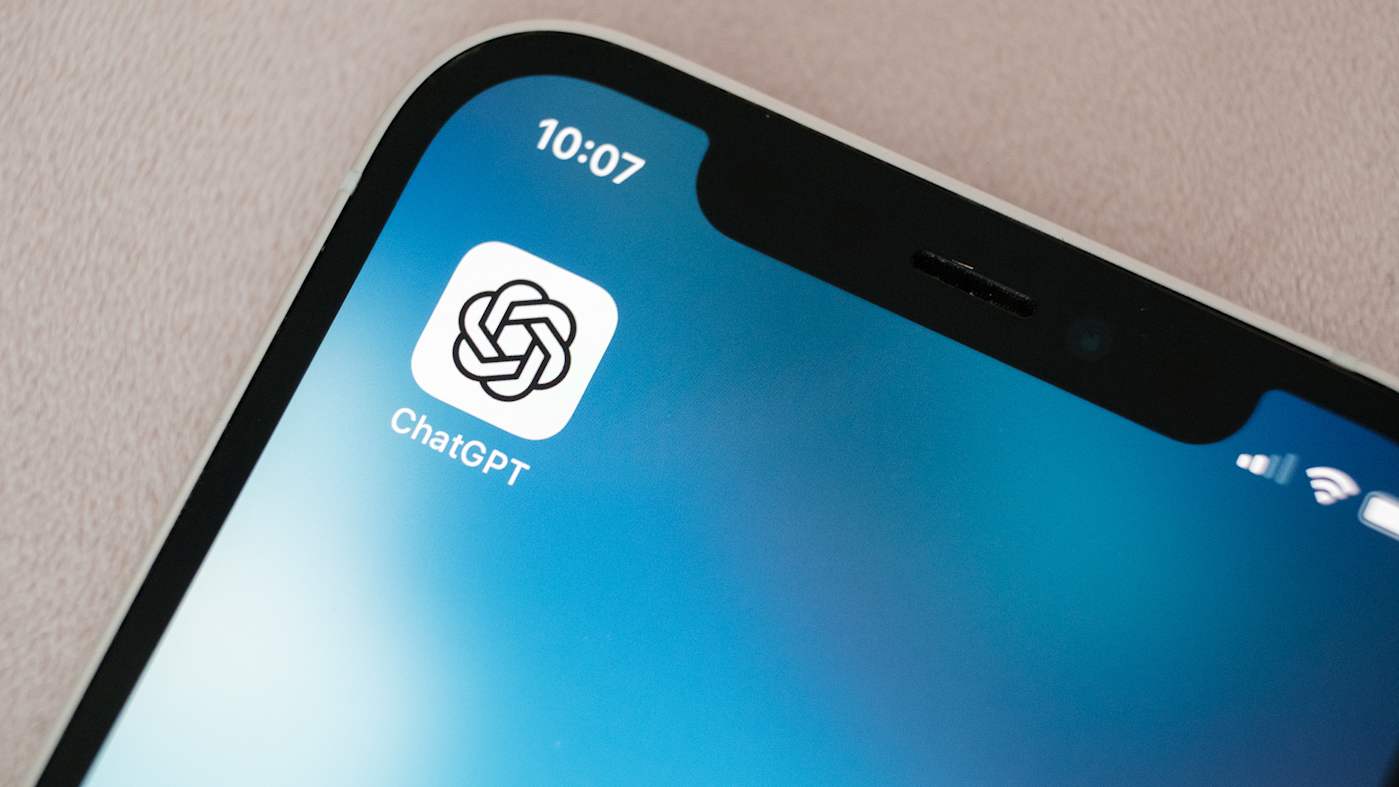
Rank 12301OpenAI is rolling back a recent update to GPT-4o, the default model that powers ChatGPT, following complaints from users that it made the chat bot act like a weirdo. "The last couple of GPT-4o updates have made the personality too sycophant-y and annoying (even though there are some very good parts of it), and we are working on fixes asap, some today and some this week," said OpenAI CEO Sam Altman in a X post spotted by TechCrunch.
As of midday Tuesday, Altman said ChatGPT was running on an older, less sycophantic version of GPT-4o for all free users. The company hopes to get paid users back on an older release of the model by later today. "We're working on additional fixes to model personality and will share more in the coming days," Altman said, adding OpenAI would share more information about what went wrong "at some point."
OpenAI released the new GPT-4o late last week. By the weekend, people began noticing ChatGPT was being overly agreeable and verbose in its praise. As you can see from the X post below, often that praise was also inappropriate and strange.
When is OpenAI pulling the plug on the new GPT-4o ?This is the most misaligned model released to date by anyone.This is OpenAI's Gemini image disaster moment.image credit : r/u/Trevor050 pic.twitter.com/kNcdnEYMDq— AshutoshShrivastava (@ai_for_success) April 27, 2025
Improving the emotional intelligence of its models, in so far as an algorithm can posses the trait, has been a recent focus for OpenAI. For instance, with GPT-4.5, the company said the model was better at responding with warmth and understanding than its previous systems. In trying to bring that same capability to the more affordable GPT-4o, it seems OpenAI got something wrong. This article originally appeared on Engadget at https://www.engadget.com/ai/openai-rolls-back-update-that-made-chatgpt-an-ass-kissing-weirdo-203056185.html?src=rss
-
Picture from ichef.bbci.co.uk
Rank 12302 -
Picture from cdn.mos.cms.futurecdn.net
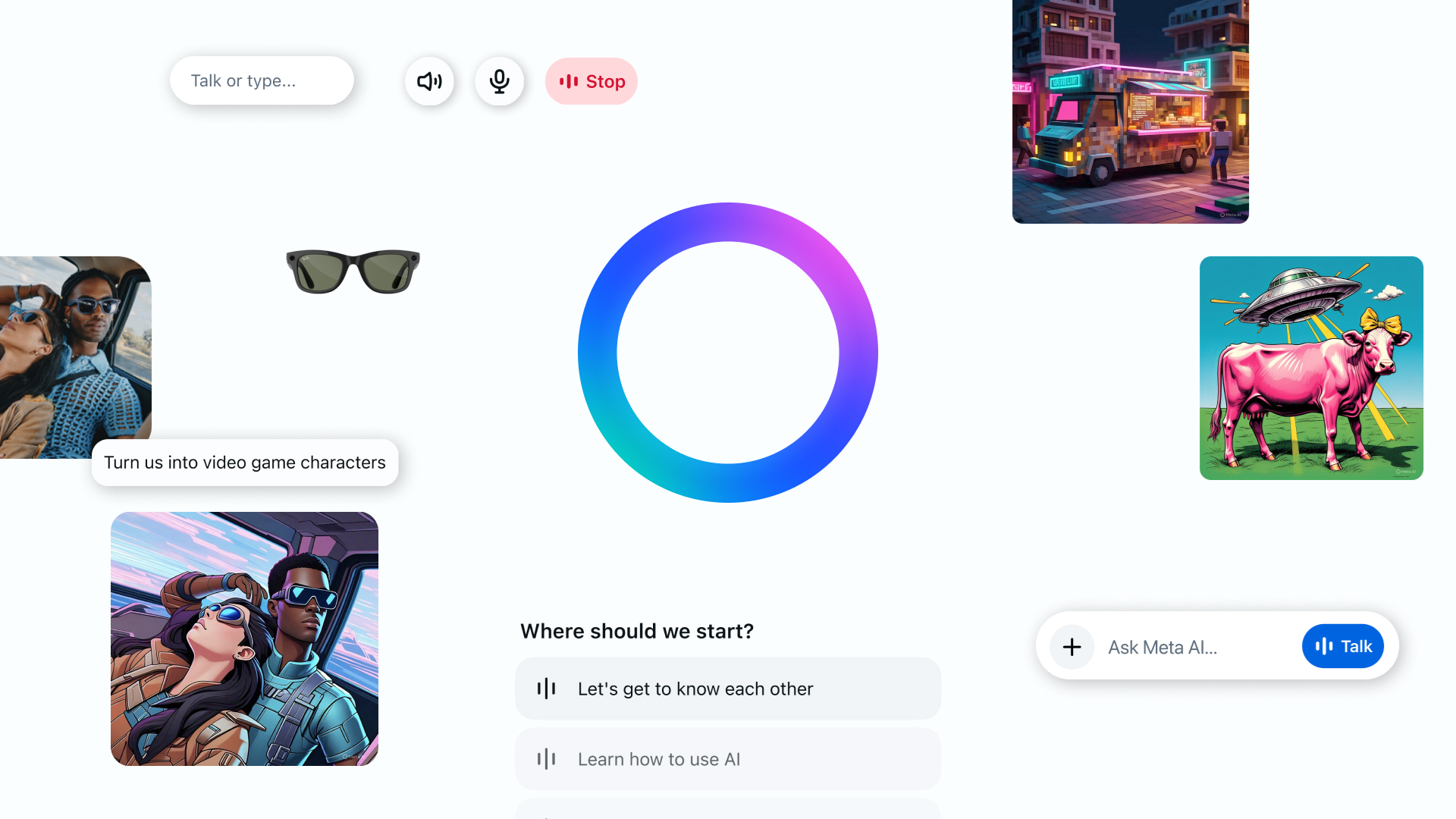
Rank 12303Meta has launched a new standalone app for its Meta AI assistant, powered by Llama 4The app connects across Meta platforms and devices, including Ray-Ban Meta smart glassesThe Meta AI personalizes its behavior based on your Instagram and Facebook activity
Meta AI is moving into its own space with the launch of a new standalone app. Fueled by Meta's new Llama 4 AI model, the new app is simultaneously a standalone product and a replacement for Meta View, which was previously used to connect to the Ray-Ban Meta smart glasses.Meta’s making a big play here, positioning voice interactions as the most intuitive and natural way to interact with your AI. The app supports hands-free chatting and even includes a demo of full-duplex speech, a feature that lets you talk and listen at the same time.That's very useful considering how keen Meta is to connect Meta AI with the company’s larger product portfolio, especially the Ray-Ban Meta smart glasses. These AI-enabled spectacles will now operate through the Meta AI app, replacing the Meta View app they currently rely on.That means you can start a conversation on one platform and easily transition to another. All you need to do is open the Devices tab on the app and replicate your settings and saved information.
(Image credit: Meta)
Ask a question through your smart glasses, get a reply from Meta AI, and then pick up that same thread on your phone or desktop later. You can switch from voice chat in your glasses to reading the conversation in your app's history tab. For example, you could be on a walk and ask Meta AI through your glasses to find a nearby bookstore. The answer will be saved in your Meta AI app for later review.The other major element of the Meta AI app is the Discover feed. You can see publicly shared things like successful prompt ideas and images they've generated on the feed, then remix them for your own purposes.Additionally, the desktop version of Meta AI is also getting revamped with a new interface and more image generation options. There's also an experimental document editor for composing and editing text, adding visuals, and exporting it as a PDF.
Meta AI all over
Meta has spent many months spreading Meta AI across Instagram, Facebook, Messenger, and WhatsApp, but now, this is the first time Meta AI isn't hosted within another mobile app.The AI’s connection to Meta’s other apps does give it an edge (or a flaw, depending on your view) by allowing it to adapt its behavior based on what you do on those other apps. Meta AI draws on your Instagram and Facebook activity to personalize its answers.Ask it where to go for dinner, and it might suggest a ramen spot your friend posted about last week. Ask for tips on an upcoming vacation, and it’ll remember you once posted that you love to “travel light but overpack emotionally” and suggest an itinerary that might fit that attitude.Meta clearly wants Meta AI to be central in all your digital activities. The way the company pitches the app, it seems like you'll always be checking in with it, whether on your phone or on your head.There are obvious parallels with the ChatGPT app in terms of style. But Meta seems to want to differentiate its app from OpenAI’s creation by emphasizing the personal over the broader utility of an AI assistant.And if there’s one thing Meta has more of than nearly anyone, it’s personal data. Meta AI tapping into your social data, voice habits, and even your smart glasses to deliver responses designed for you feels very on-brand.The idea of Meta AI forming a mental scrapbook of your life based on what you liked on Instagram or posted on Facebook might not appeal to everyone, of course. But if you're concerned, you can always put on the smart glasses and ask Meta AI for help.
You might also like
WhatsApp looks set to get an AI makeover soon – here's what could be comingMeta wants to fill your social media feeds with bots – here's why I think it's wrongMeta AI's latest feature can show you in a fantasy world – if you feed it your face
-
Picture from o.aolcdn.com
Rank 12304The gaming industry continues to bleed workers and cancel games, with EA back for another round of brutal news. The company said on Tuesday it decided to "make some targeted team adjustments," which Bloomberg reported as between 300 and 400 eliminated positions, including 100 at Respawn, and the cancellation of an unannounced Titanfall game. Again.
The canned Titanfall game, code-named R7, was reportedly an extraction shooter set in the mech-meets-parkour franchise. Bloomberg says it wasn't close to release, and Respawn's statement that it canceled two "early-stage incubation projects" reflects that. Details about the other scrapped game haven't leaked, but Bloomberg reports that it was canceled earlier this year.
Respawn says it will refocus its resources on Apex Legends and Star Wars Jedi, franchises where EA appears more confident it can profit. Earlier this month, the company previewed another game set in a galaxy far, far away: the Xcom-like tactics game, Star Wars Zero Company.
After culling an estimated 1,130 jobs in 2023, EA laid off five percent of its workforce in 2024. "These decisions aren't easy, and we are deeply grateful to every teammate affected - their creativity and contributions have helped build Respawn into what it is today," Respawn wrote on Tuesday.This article originally appeared on Engadget at https://www.engadget.com/gaming/ea-reportedly-cancels-another-titanfall-game-lays-off-several-hundred-employees-205008255.html?src=rss
-

Picture from ichef.bbci.co.uk
Rank 12305 -

Picture from techcrunch.com
Rank 12306 -

Picture from ichef.bbci.co.uk
Rank 12307 -

Picture from ichef.bbci.co.uk
Rank 12308 -

Picture from ichef.bbci.co.uk
Rank 12309 -

Picture from techcrunch.com
Rank 12310 -

Picture from ichef.bbci.co.uk
Rank 12311 -

Picture from cdn.mos.cms.futurecdn.net
Rank 12312New websiteNew panelNew products
A2 Hosting is now hosting.com with a whole new website, promising new features and an updated hosting panel.Hosting.com started life as A2 Hosting in 2001. The (old) name is a reflection of the place where it all started, Ann Arbour, in Michigan. The company was founded by Bryan Muthig and grew into a successful hosting company hosting 2M+ websites in over 40+ locations.On the surprise transition, CEO Seb De Lamos said, "Super excited that A2 Hosting which for so long has been this paramount of hosting performance, amazing customer support, and so much more, that we've been able to take it and turn it into something which takes it to the next level."The move is a reflection of the growth that Hosting.com has sustained and is purported to boost the brand increasing global recognition and build a larger interconnected community which will provide more opportunities to connect and learn.
Different name same values
Change can be scary but Hosting.com reassures users, "while our name is changing, our dedication to providing fantastic support and the reliable products you've come to expect remains the same." Adding, "You'll still have access to the same robust hosting solutions and the same team of experts ready to assist you 24/7."In a blog post, Hosting.com stresses that this isn't about abandoning roots but rather expanding and growing the business on a global stage. The core values of reliability, speed, and customer satisfaction at the heart of A2 Hosting remain in Hosting.com.Along with the different name, Hosting.com says other changes include greater resources which will be invested in infrastructure and technology to better support customer needs.There will also be a new hosting panel. At first glance and a poke around the website a lot seems to have changed. Product names are new, the features included in plans are different and older products like dedicated hosting are hidden from the home page.
(Image credit: Hosting.com)
Hidden services still exist, you just need to find them via site:hosting.com via Google because they're not readily available from the home page. For example, one Hosting.com user reported to be disappointed with not being able to find Node.js hosting but a quick site:hosting.com "Node.js" reveals that this is still a service from Hosting.com.This is a significant rebrand for Hosting.com and I'm looking forward to reviewing new products and services and seeing whether the changes can deliver on the promise of enhanced hosting features and infrastructure of an already well known and liked host.
You might also like
My now out of date and soon to be updated Hosting.com (formally A2 Hosting) reviewChecking out the best web hosting providersWhat domain registrars actually do
-

Picture from ichef.bbci.co.uk
Rank 12313 -

Picture from ichef.bbci.co.uk
Rank 12314 -

Picture from ichef.bbci.co.uk
Rank 12315 -

Picture from ichef.bbci.co.uk
Rank 12316 -

Picture from techcrunch.com
Rank 12317 -

Picture from ichef.bbci.co.uk
Rank 12318 -

Picture from ichef.bbci.co.uk
Rank 12319 -

Picture from ichef.bbci.co.uk
Rank 12320 -
Picture from ichef.bbci.co.uk
Rank 12321 -

Picture from ichef.bbci.co.uk
Rank 12322 -
Picture from ichef.bbci.co.uk
Rank 12323 -

Picture from ichef.bbci.co.uk
Rank 12324 -

Picture from techcrunch.com
Rank 12325 -

Picture from techcrunch.com
Rank 12326 -

Picture from techcrunch.com
Rank 12327 -

Picture from ichef.bbci.co.uk
Rank 12328 -

Picture from ichef.bbci.co.uk
Rank 12329 -

Picture from ichef.bbci.co.uk
Rank 12330 -

Picture from ichef.bbci.co.uk
Rank 12331 -

Picture from ichef.bbci.co.uk
Rank 12332 -
Picture from ichef.bbci.co.uk
Rank 12333 -

Picture from ichef.bbci.co.uk
Rank 12334 -

Picture from ichef.bbci.co.uk
Rank 12335 -

Picture from ichef.bbci.co.uk
Rank 12336 -

Picture from ichef.bbci.co.uk
Rank 12337 -

Picture from techcrunch.com
Rank 12338 -

Picture from ichef.bbci.co.uk
Rank 12339 -
Picture from techcrunch.com
Rank 12340 -

Picture from techcrunch.com
Rank 12341 -

Picture from ichef.bbci.co.uk
Rank 12342 -

Picture from ichef.bbci.co.uk
Rank 12343 -

Picture from ichef.bbci.co.uk
Rank 12344 -

Picture from ichef.bbci.co.uk
Rank 12345 -

Picture from ichef.bbci.co.uk
Rank 12346 -

Picture from ichef.bbci.co.uk
Rank 12347 -

Picture from ichef.bbci.co.uk
Rank 12348 -

Picture from ichef.bbci.co.uk
Rank 12349 -
Picture from o.aolcdn.com
Rank 12350If you’re looking to get healthier without spending a fortune, the best cheap fitness trackers prove you don’t need to splash out on the best smartwatches to stay on top of your goals. Whether you're counting steps, keeping track of heart rate monitoring or trying to improve your sleep patterns, these affordable wearables pack serious tracking capabilities into wallet-friendly packages.The best budget fitness trackers are perfect for everyday activity tracking, whether you're going for a jog, hitting the gym or just aiming to move a bit more. Many also include extras like support for third-party apps, basic smartphone notifications and wellness insights that help you form better habits over time.No matter your price point, there’s a tracker out there that can help you build a routine, stay motivated and maybe even make fitness fun. We’ve rounded up the top picks that strike the right balance between features, accuracy, and affordability — so you can find the best fitness tracker for your lifestyle.
Table of contents
Best budget fitness trackers for 2025
What to look for in a cheap fitness tracker
Other budget fitness trackers we tested
Best budget fitness trackers for 2025
What to look for in a cheap fitness tracker
All of the best fitness trackers should have at least three features: a program for activity tracking, the option to monitor and collect data about your sleep patterns and the ability to do things like heart rate monitoring and blood oxygen level tracking (though, the readings might not be super accurate). Don’t set your sights too high and expect metrics like blood pressure monitoring; for that, you’d need to invest in a more expensive wearable like a Samsung Galaxy Watch, which falls under the best smartwatches category and will set you back over $400.
Fitness features
A cheap workout tracker can be great for someone looking to keep tabs on small, achievable goals like 10,000 steps before sundown or 30 minutes of a HIIT workout to get your heart rate peaking. An experienced long-distance runner looking to train for a triathlon might opt for a more expensive device that can measure cadence or ground contact time, and can track more customizable workouts, offer different sports modes or give deeper insights into performance data.
At the very least, a budget workout tracker should be able to offer fitness tracking features beyond walking and running — otherwise, it would just be a pedometer. The number of activities a device will recognize varies. Some will get funky with it and consider skateboarding a workout, while others won’t be able to track a jumping jack.
At this price point, you can expect a device to measure a mix of cardio, machine workouts and strength training. With each, you might get a numerical or visual breakdown of heart rate activity, overall pace, and calories burned per session. Although some cheap trackers can offer a really good overview of heart rate zone activity during a workout, a more technically advanced device might be able to go a step further and explain what your results mean and coach you on how to keep your heart rate in a specific bracket so that you can burn more fat per workout. I found that the more budget-friendly the device, the more likely it is that a tracker will fall short when it comes to smart counseling or offering predictive insights beyond a given workout. If a budget tracker does happen to offer some semblance of a coaching program, you can expect it to sit behind a paywall.
Workout tracking and planning your recovery is just as essential to any fitness journey. A sub-$100 device should be able to tell you how long you’ve slept and provide a breakdown of deep, light and REM sleep patterns. It's not a guarantee that you will get a sleep “score” or insights on how to get better rest — that data is usually found on more expensive wearables. Also, because these trackers aren’t designed for bedtime specifically — be mindful of comfort. The bands and watch face on a budget fitness tracker may not be ideal for getting some good shut-eye.
Connectivity and practicality
Not all of the best budget fitness trackers are designed to seamlessly integrate with a smartphone. The trackers tested for this roundup can’t directly make calls or send texts to contacts on a paired iPhone or Android smartphone. They can, however, display and dismiss incoming calls and notifications via a Bluetooth connection. You can forget about checking your email or paying for a coffee from your wrist using these more affordable devices.
Most cheap fitness trackers also won't include built-in GPS tracking. Instead, they usually depend on a paired smartphone to gather location data. The drawback of using a fitness tracker without GPS is that it might not provide as precise for tracking distance or pace. You also can't use a budget tracker to get turn-by-turn directions during a walk or while running errands. For the more outdoorsy consumers, having GPS could be a key safety feature if you want this kind of functionality at your fingertips.
Design
You also might find that an inexpensive fitness tracker is harder to navigate than a more advanced smartwatch. Whether it be a screen size issue or simply not having a smart enough interface, don't expect every feature to be one that you can engage with directly on your wrist. You’ll likely need to use your phone to input data or access detailed wellness metrics.
Build quality will also vary. While you won’t get premium materials or ultra-bright OLED screens, most best cheap fitness trackers include some level of sweat and water resistance — perfect for everyday wear and casual workouts.
Other budget fitness trackers we tested
Amazfit Bip 6
The Amazfit Bip 6, an $80 smartwatch from Zepp Health, didn’t quite make the cut. As a fitness tracker, it’s decent, but it’s a frustrating smartwatch substitute. For workouts, the built-in GPS tracks runs and rides without your phone and, combined with the heart rate and blood oxygen sensors, collects a good amount of data to create accurate pictures of your exertion levels, cadence and pace. It’s remarkably lightweight but doesn’t feel cheap and the AMOLED screen is bright and sharp. It’s not an always-on display, but lifting your wrist wakes it reliably.
The sleep tracking data is on par with what we measured on other smartwatches and there’s even a daily readiness score that compares your sleep quality and the previous day’s exertion to estimate how physically prepared you are for the day ahead — similar to what Pixel Watches, Fitbit devices and Garmin watches offer. And since the watch battery lasts for over a week on a charge, you may be a lot more apt to wear it to bed than a watch you have to charge daily.
We weren’t expecting an $80 device to be a serious Apple Watch challenger, but the Bip 6’s glitches and overly complicated interface (both on the app and on the watch itself) were disappointing. During a week of testing, I got multiple repeated notifications, even after they were deleted, along with suggestions to stand when I was actively doing chores around the house. The watch faces are not customizable, so it was hard to get the info I needed at a glance (the Zepp app has lots of paid watch faces that may have what I wanted, but I didn’t want to pay $3 for something that’s free elsewhere).
Marketing details state that the Bip 6 can auto-detect workouts, including walking and bike riding. During testing, I walked once or twice per day for over one mile and went on two bike rides, but no workout was ever detected. The watch integrates with Apple Health, so I was able to see how it compares to the data my Apple Watch gathers. After a week of wearing the Bip 6, with no changes to my daily routine, I averaged 400 fewer calories burned and 2.4 fewer miles tracked each day. That was possibly the biggest disappointment of all. — Amy Skorheim, Senior Reporter
Wyze Watch 47c
I didn't have high expectations of the Wyze Watch 47c, but I was shocked at how little this tracker can do. The 47c can only track walks and runs. It has a dedicated widget, a small logo of a man running, and when you tap it, it begins measuring your pace, heart rate, calories burned and mileage. It does not auto-detect or auto-pause workouts and it doesn't differentiate between a run and walk. Most importantly, this device can’t track any other exercises. It’s basically a glorified pedometer.
The 47c was also my least favorite to sleep with, mainly because the square watch face is so large and heavy. Even if I did manage to sleep through the night with it on, it only gave me a basic sleep report. — M.S.
Garmin vivofit 4
The Garmin vivofit 4 has a tiny display that is not a touchscreen and all navigation happens through one button. The watch face is impossible to read outdoors and the exercise widget is also very finicky. To start tracking a run, you have to hold down the main button and flip through some pages until you get to a moving person icon. Once there, you have to press the bottom right corner of the bar and hold down and if you press for too long or in the wrong spot, it’ll switch to another page, like a stopwatch. It’s incredibly frustrating.
Once you start a run though, it will start tracking your steps, your distance — and that's pretty much it. It does not auto-detect or auto-pause workouts. It doesn't alert you of any mileage or calorie milestones. — M.S.This article originally appeared on Engadget at https://www.engadget.com/wearables/best-cheap-fitness-trackers-140054780.html?src=rss